

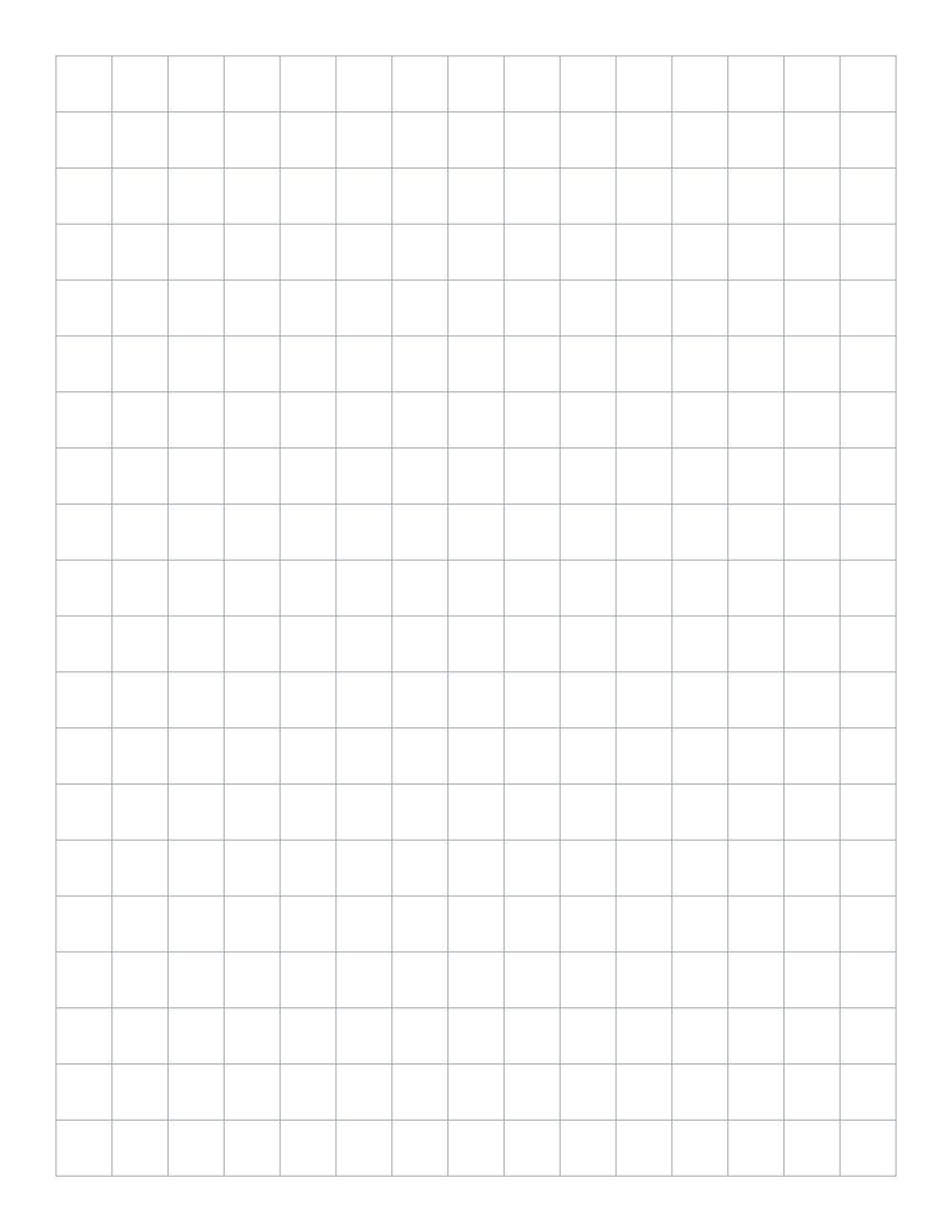
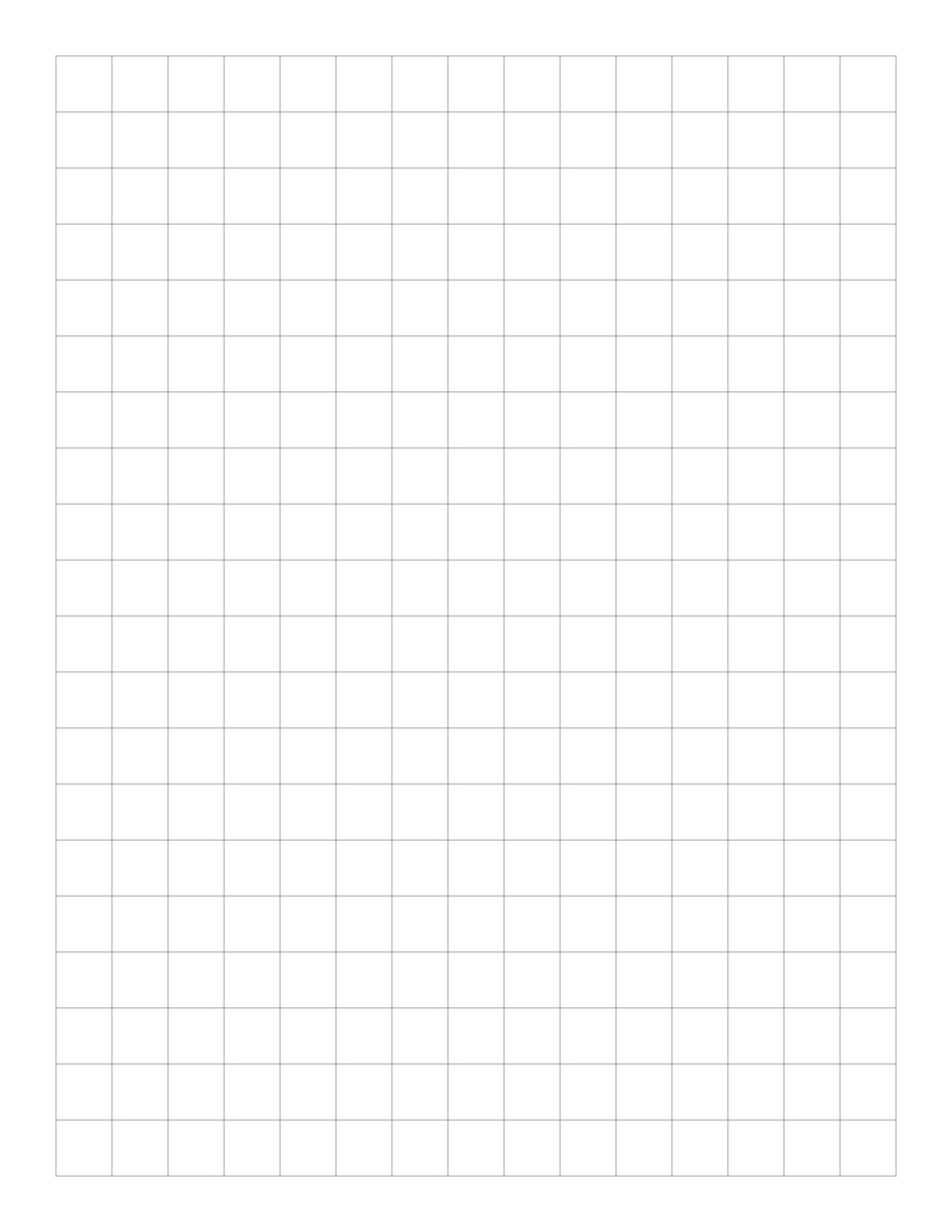
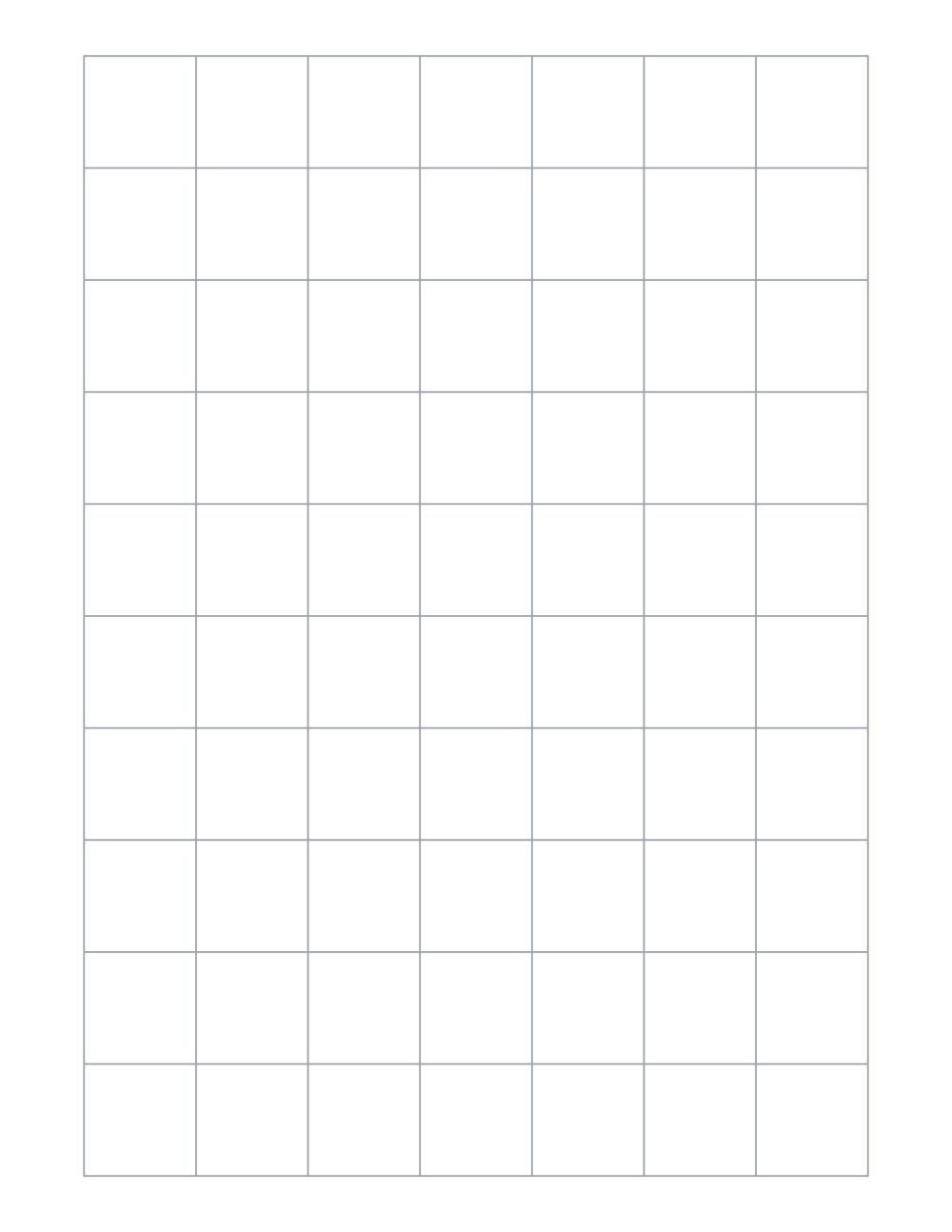
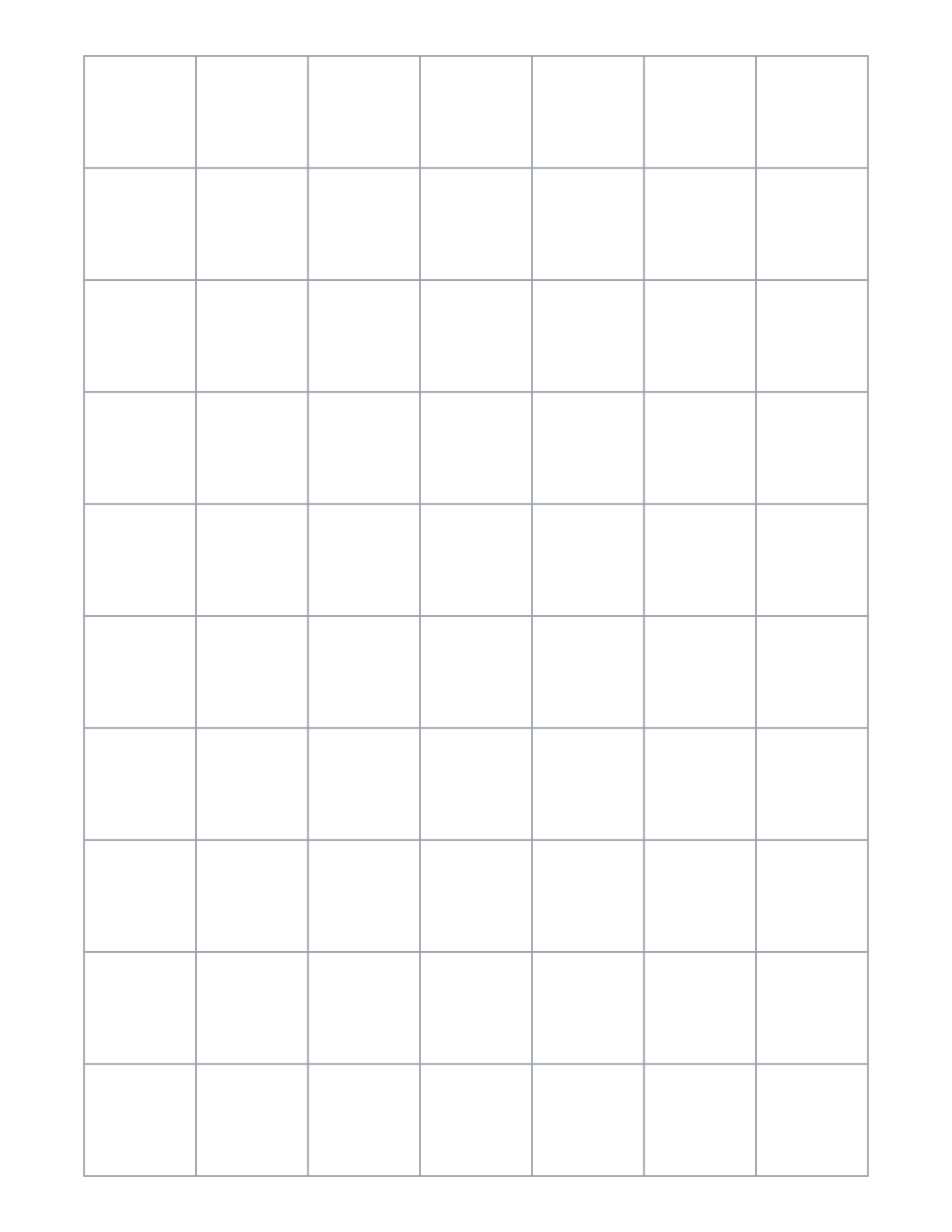
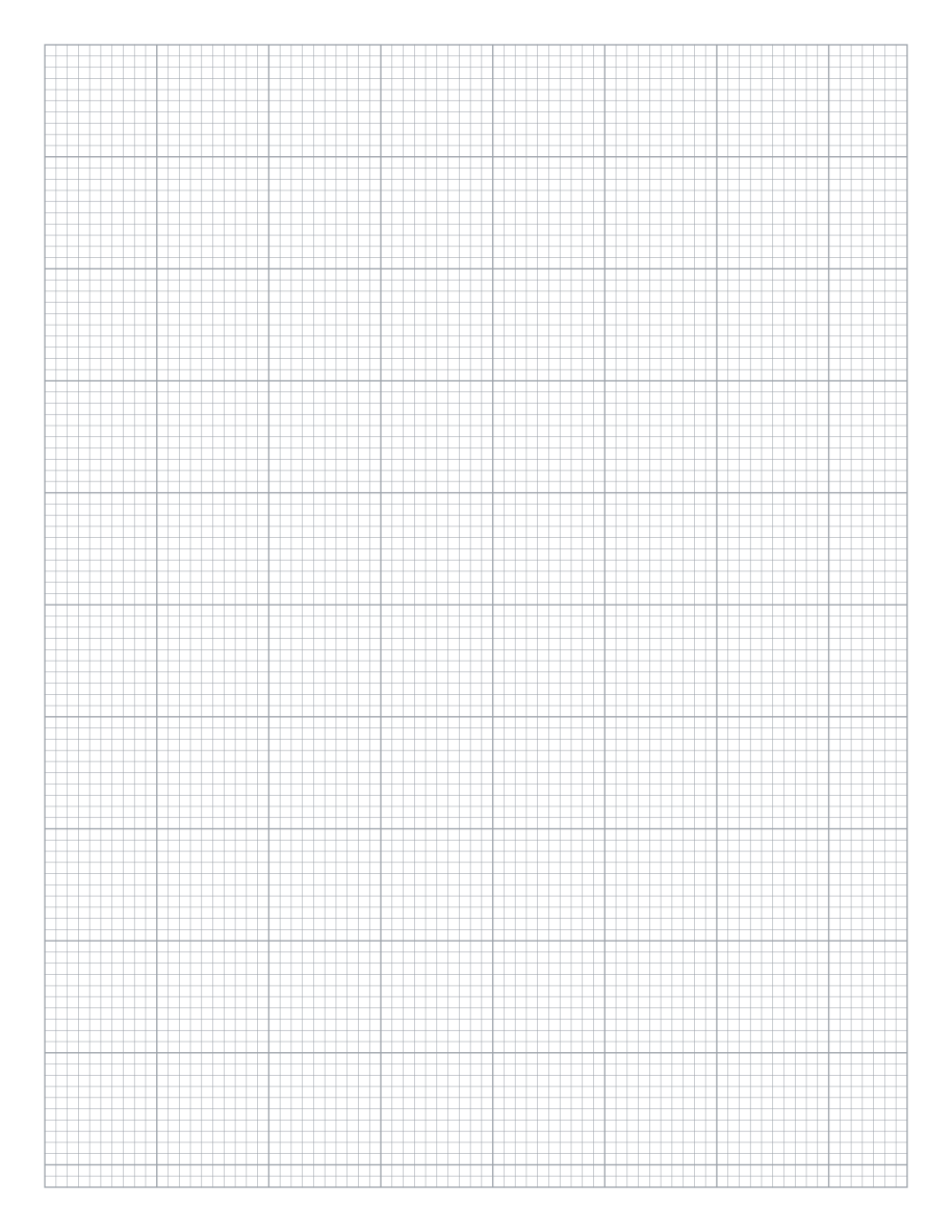
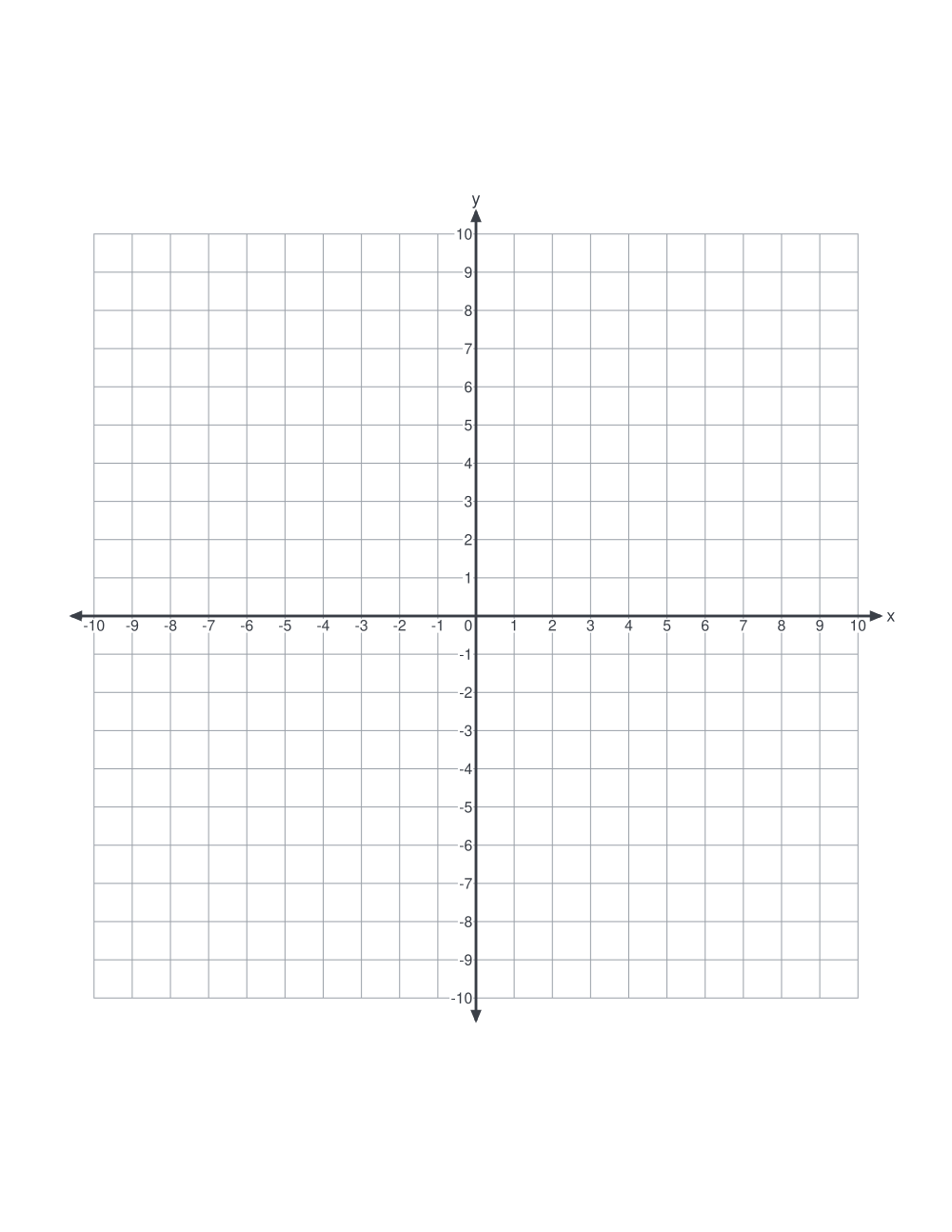
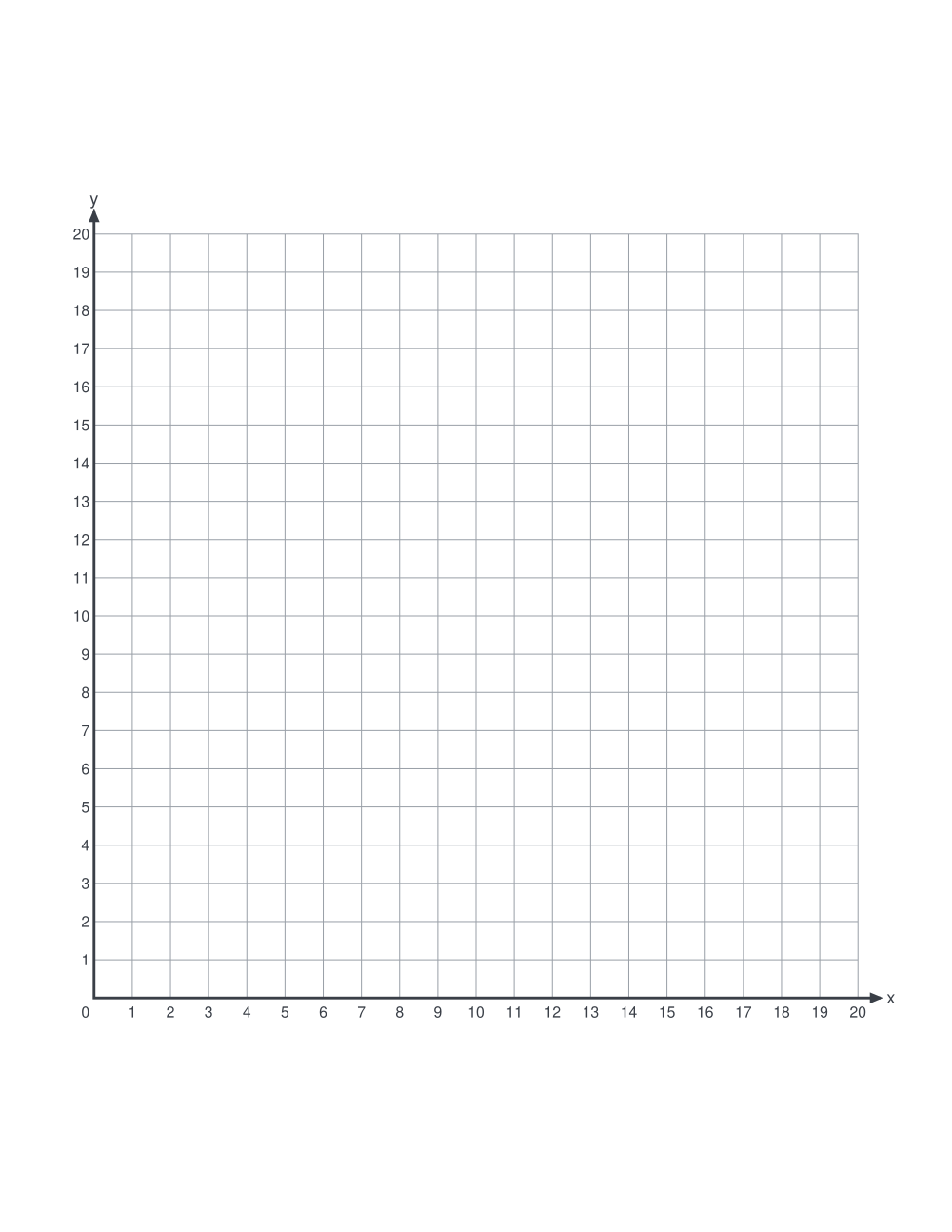
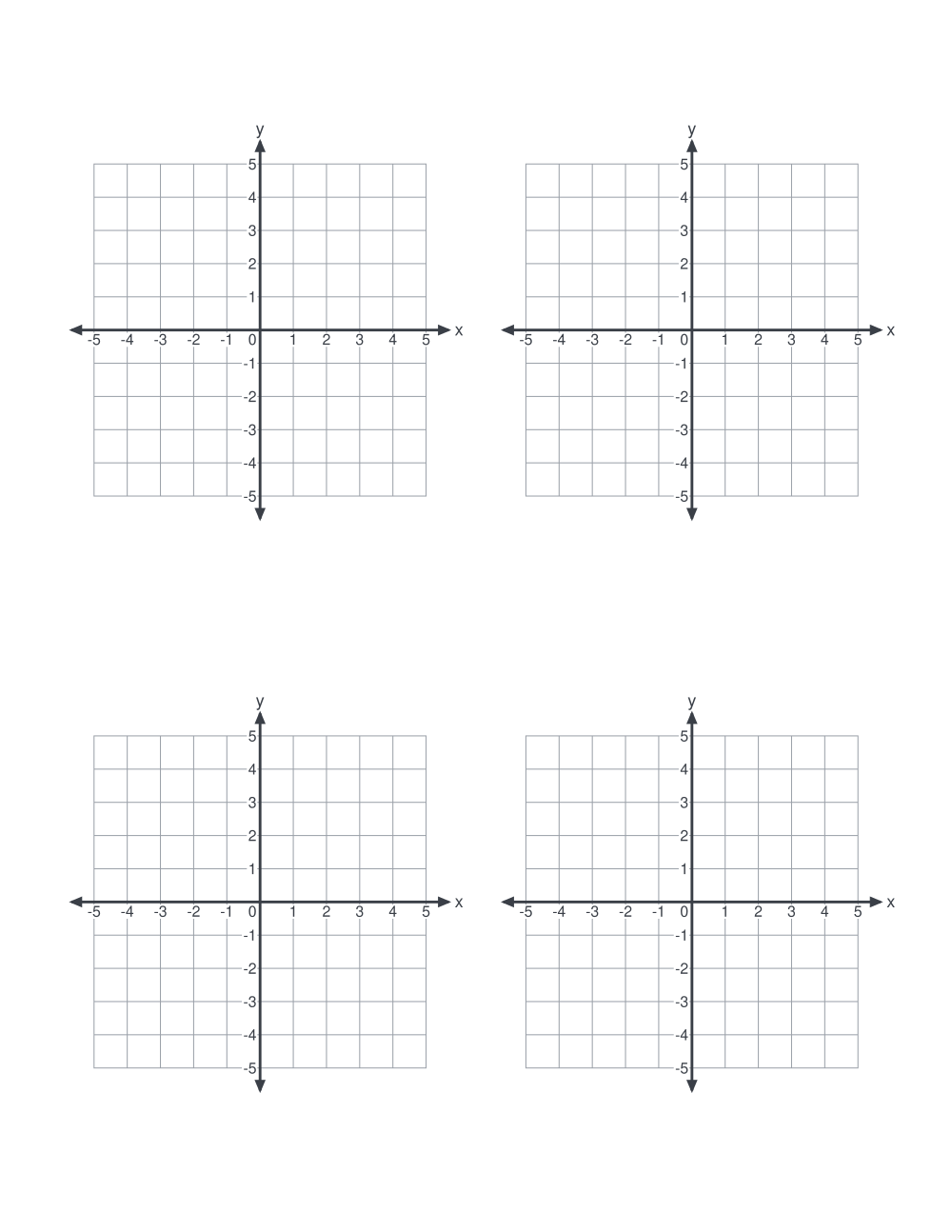
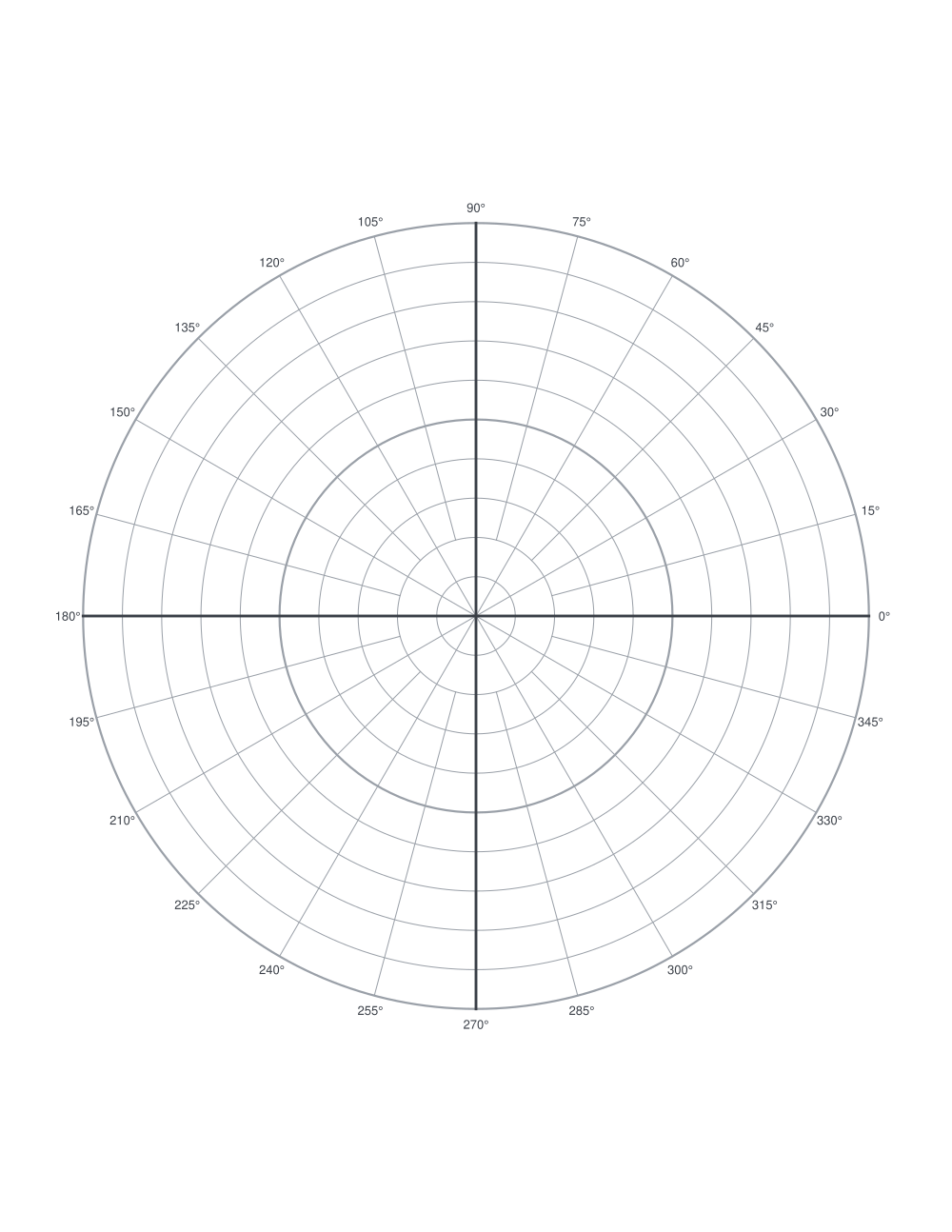
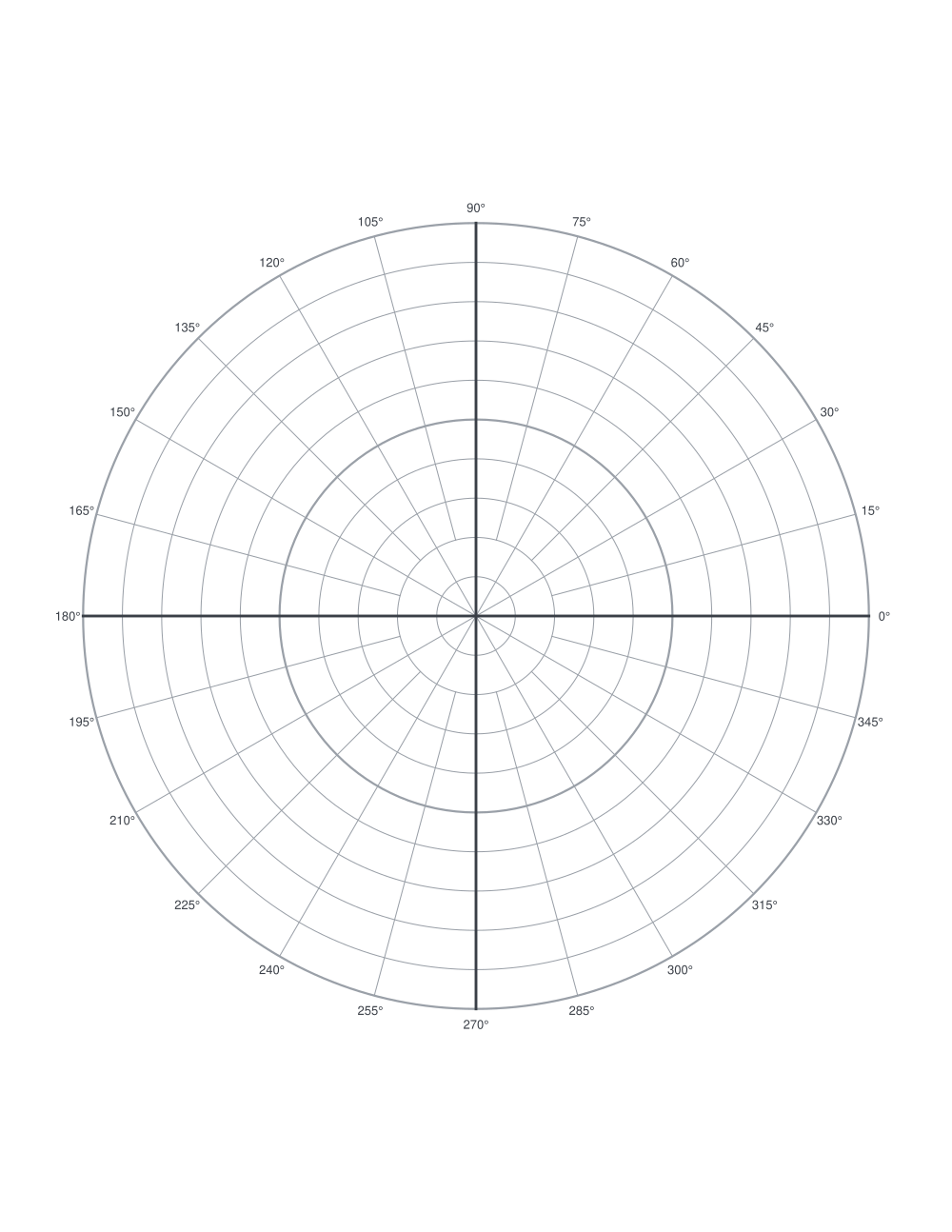
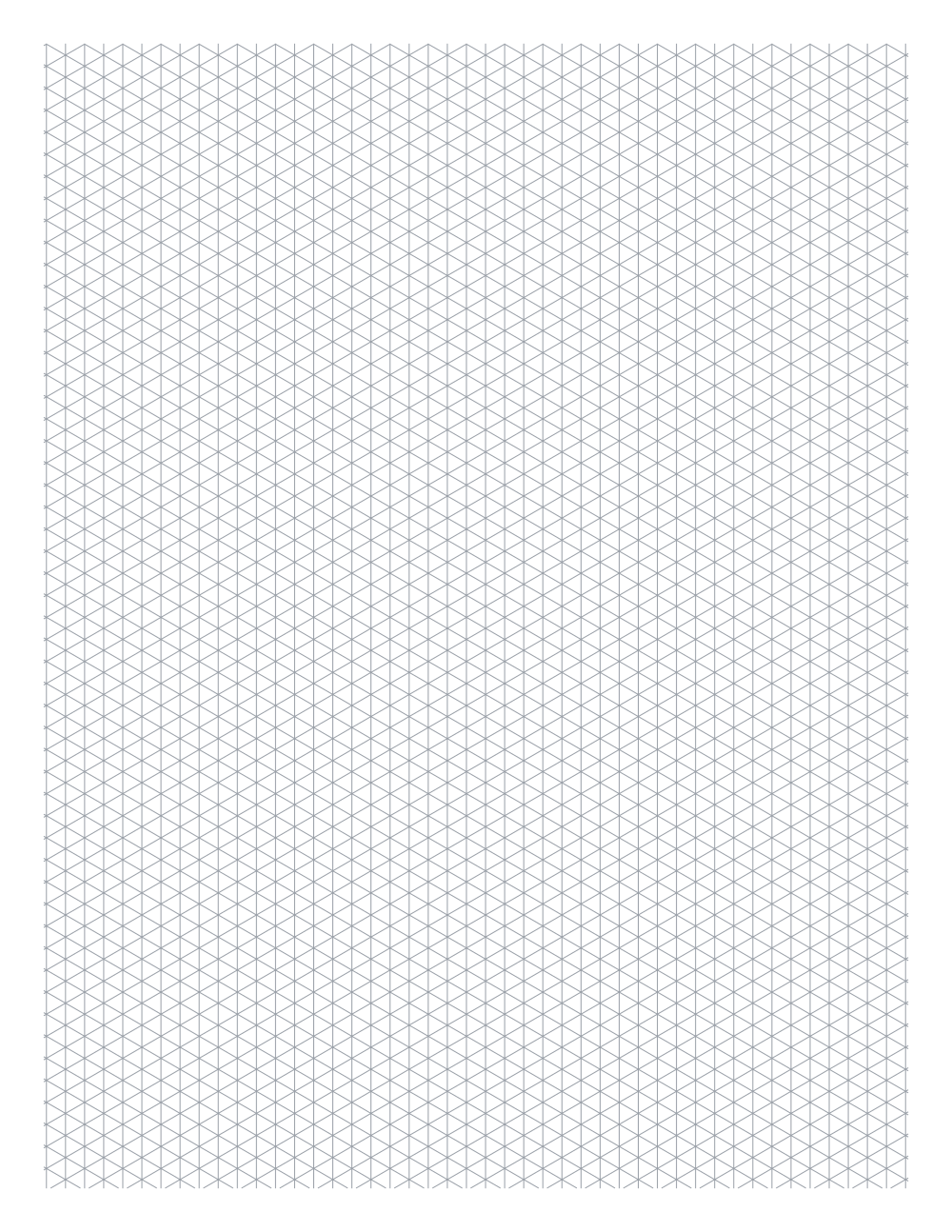
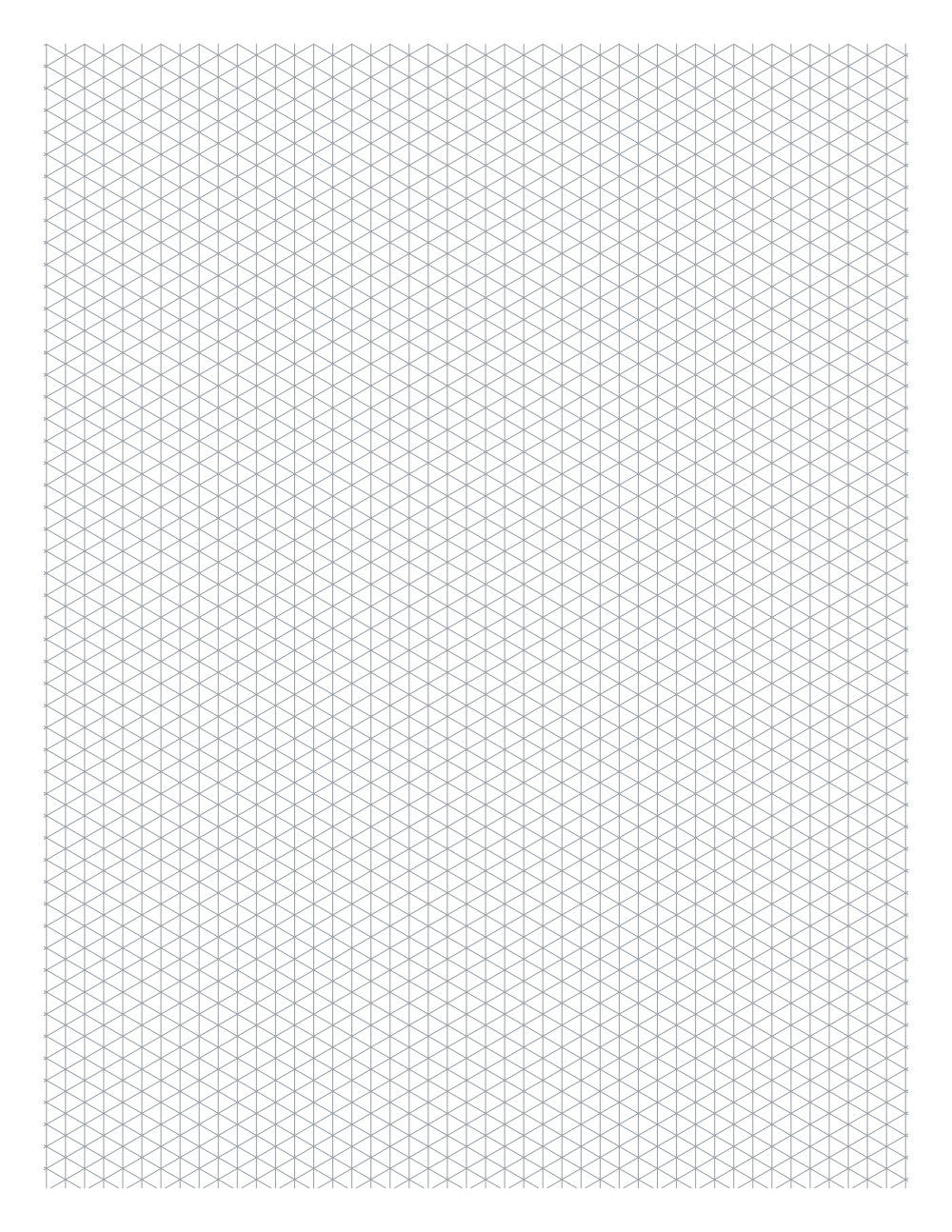
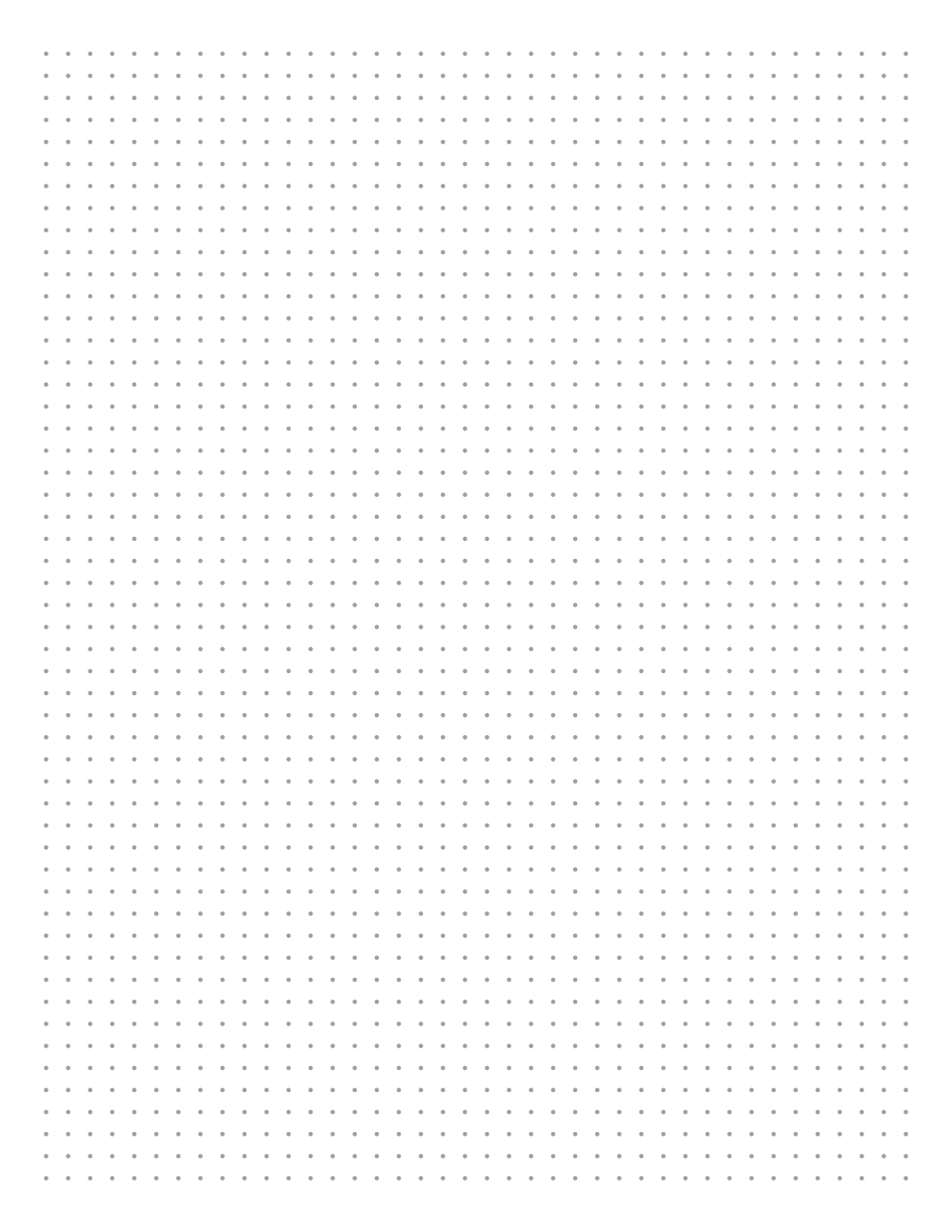
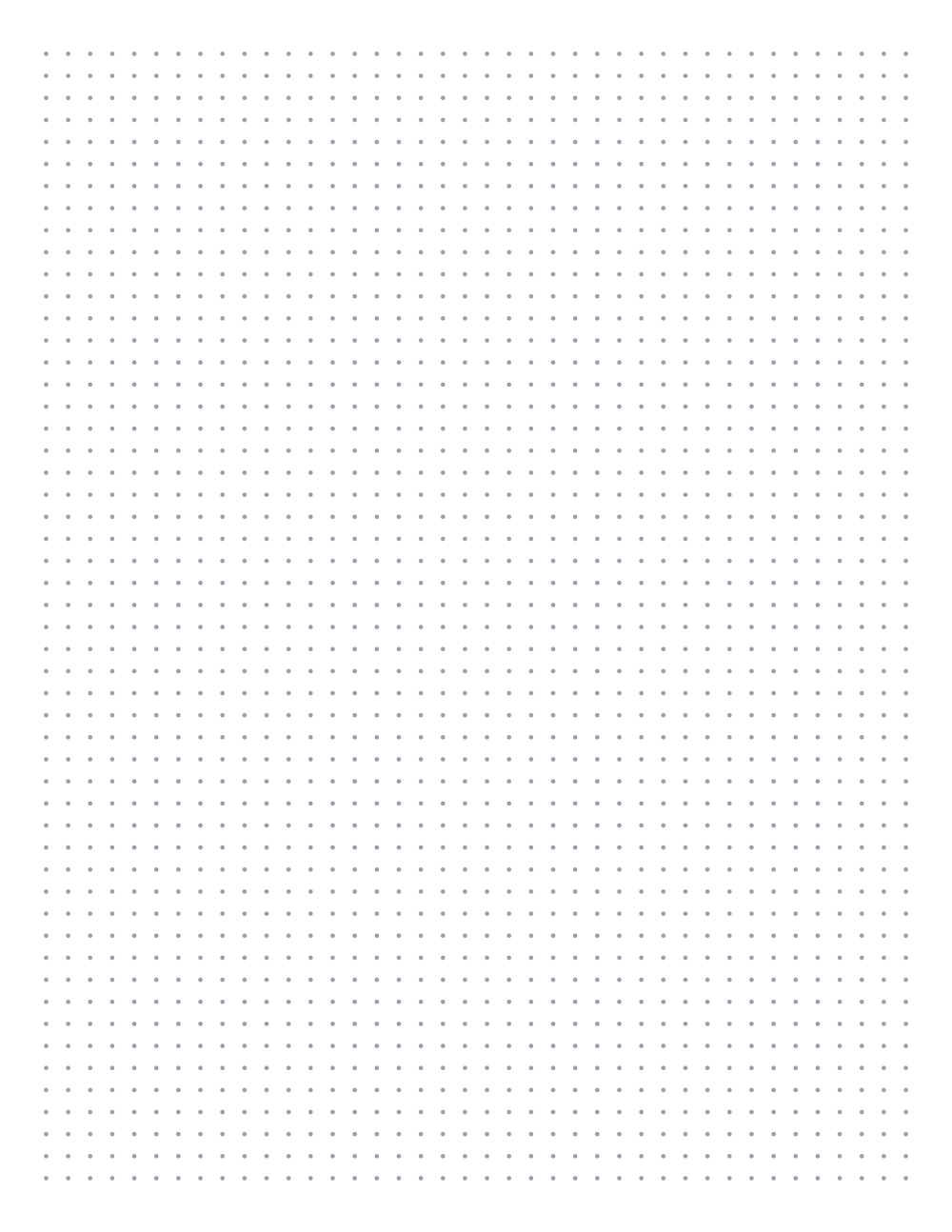


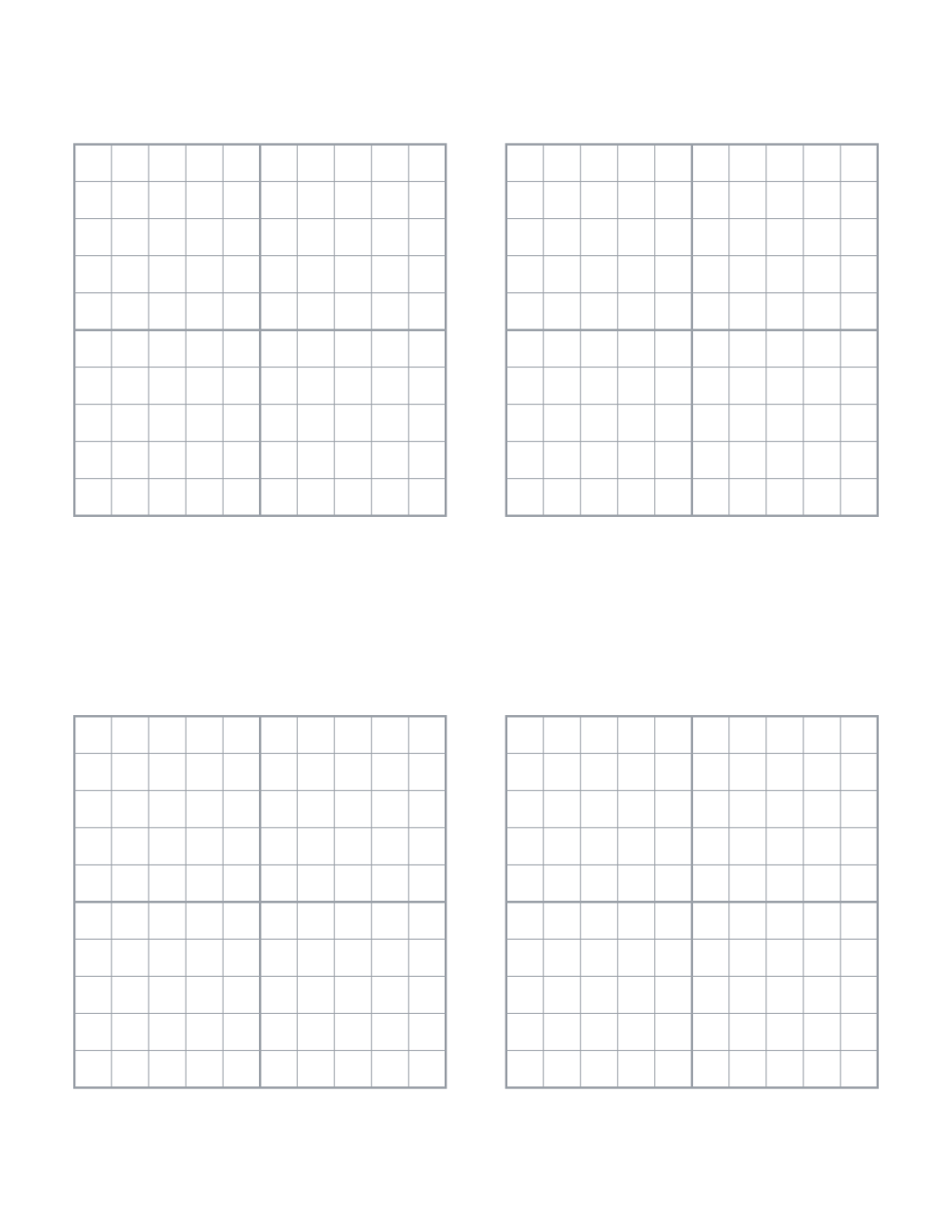
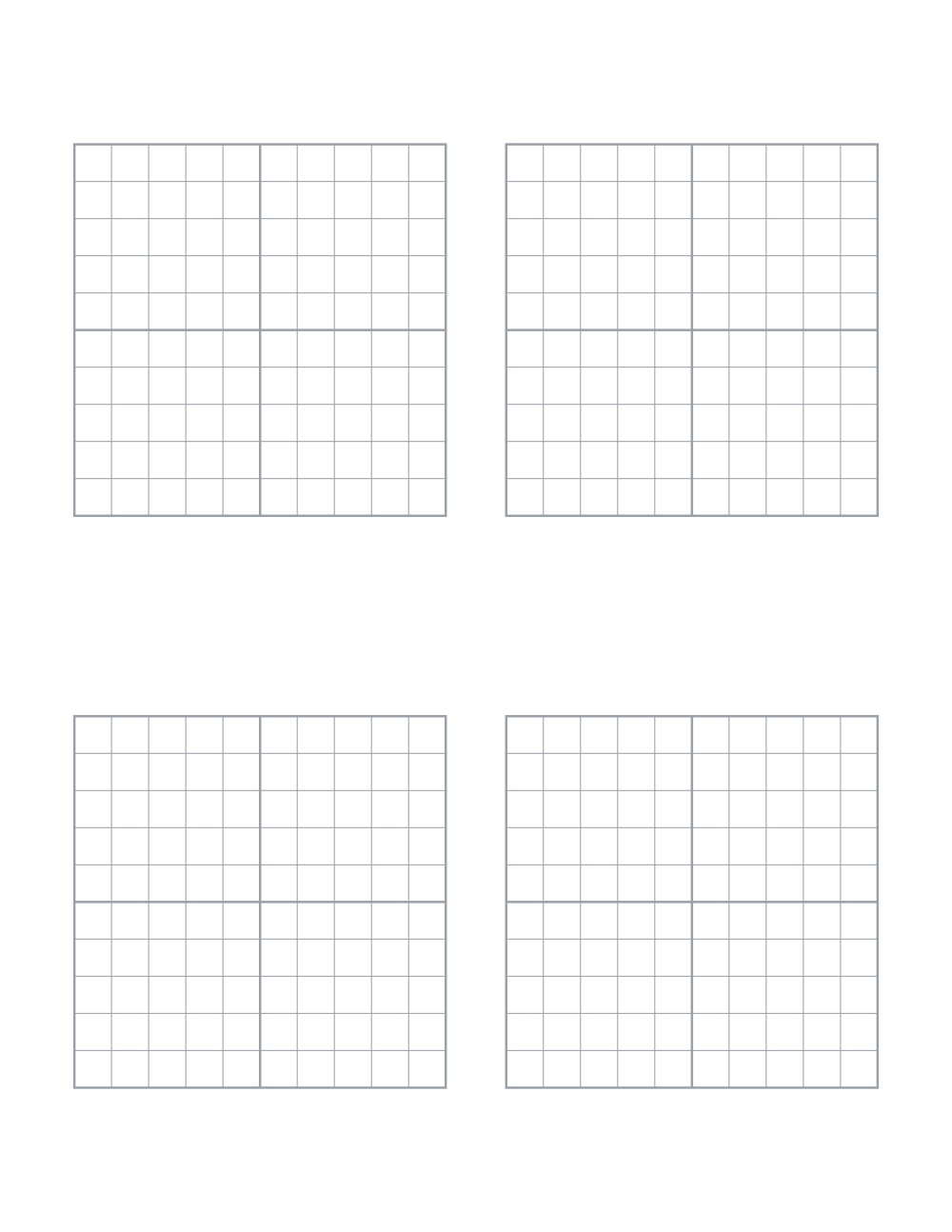
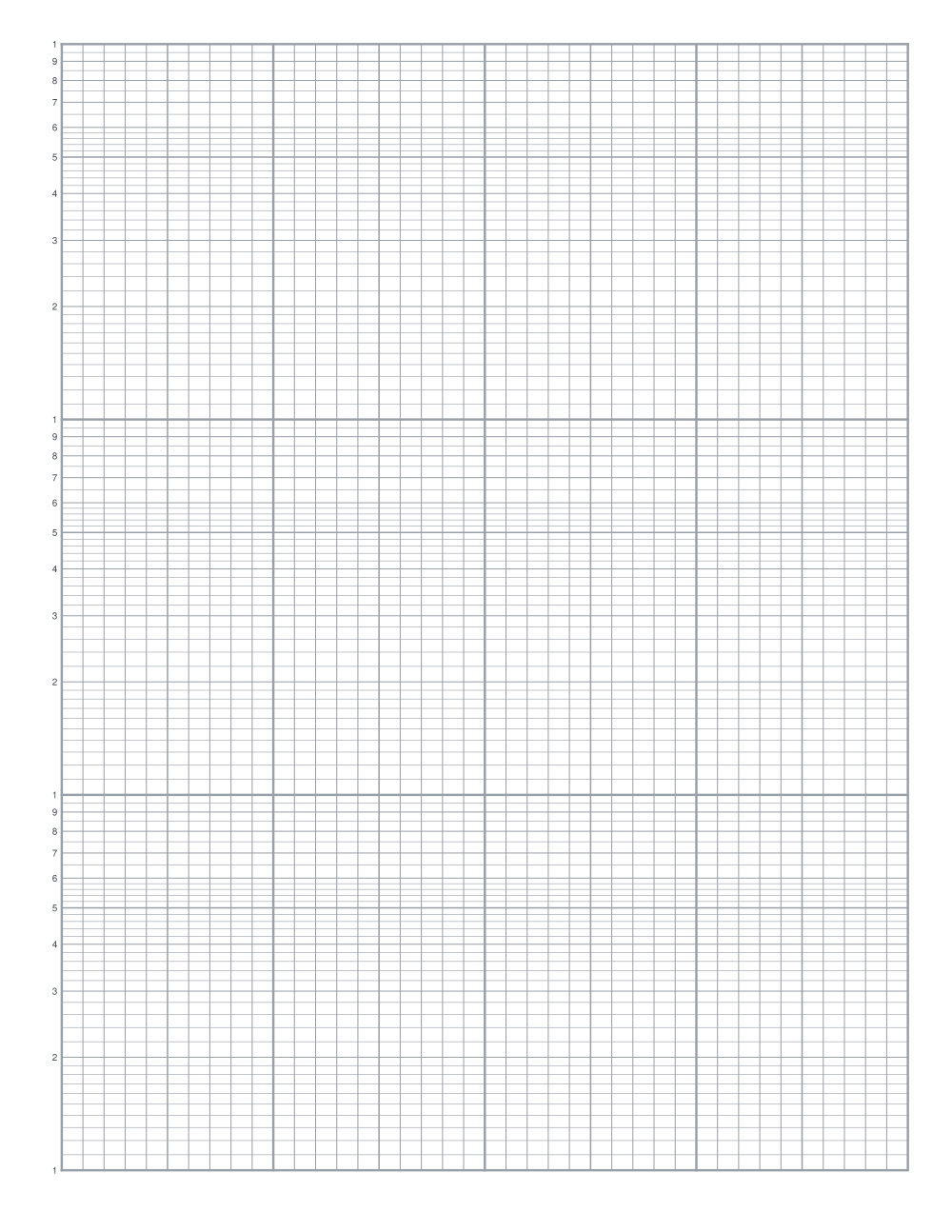
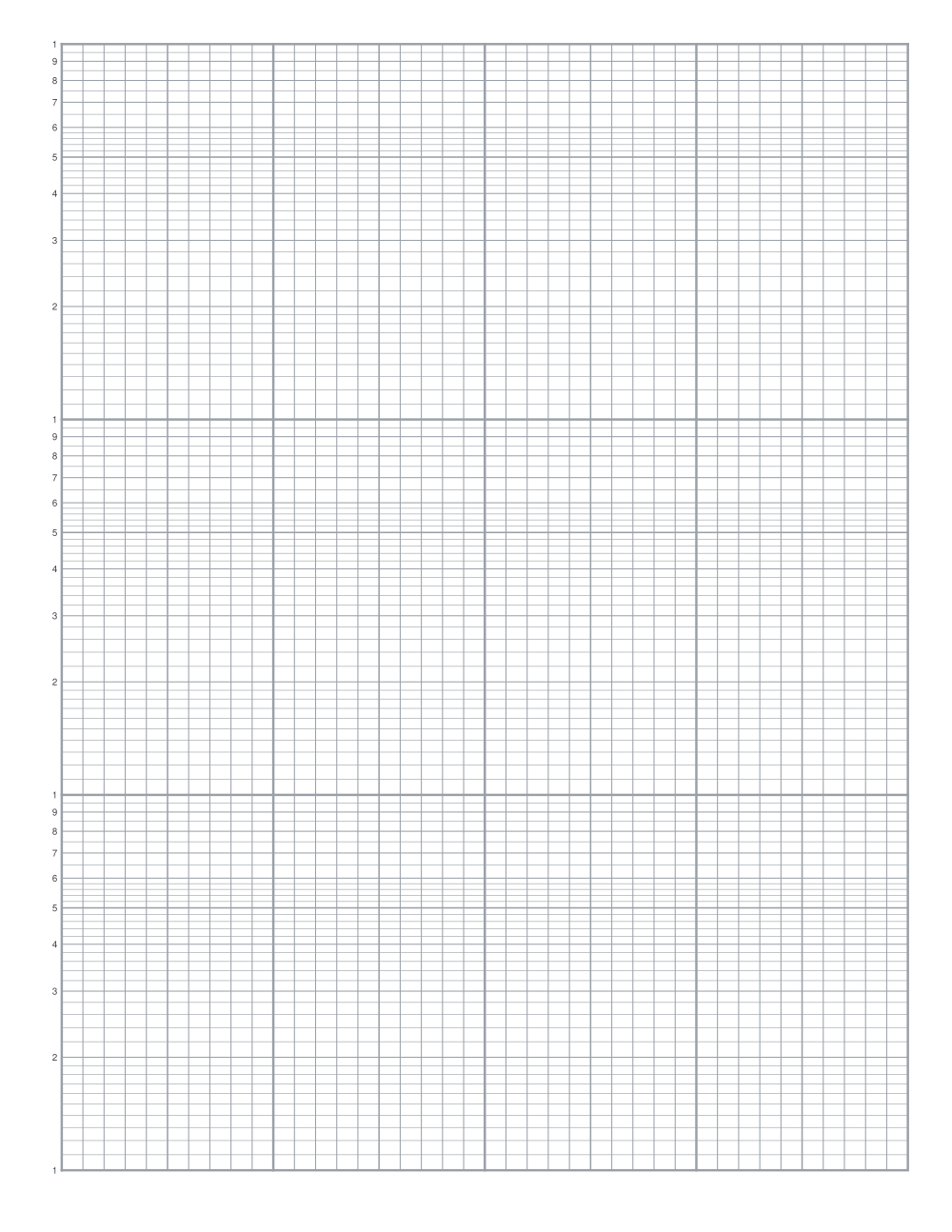
How to use these graph paper images
- Slides and lessons: drop a coordinate plane or grid into Google Slides, PowerPoint or a whiteboard app, then draw on top.
- Worksheets: insert a grid image into Google Docs or Word for graphing questions.
- Design backgrounds: use the transparent PNGs in Canva, Figma or Photoshop as a grid overlay.
- Digital notes: import a grid as a page template in GoodNotes, Notability or OneNote.
Images vs PDFs for printing
These PNGs are 1000 pixels wide, which is fine for screens but not for exact printing: an image printed with "fit to page" will not keep true 1/4 inch or 1 cm squares. To print graph paper at an exact size, use the vector PDF from the matching page, for example 1/4 inch graph paper, 1 cm grid paper or the coordinate plane generator. To draw on a grid without printing at all, open online graph paper.
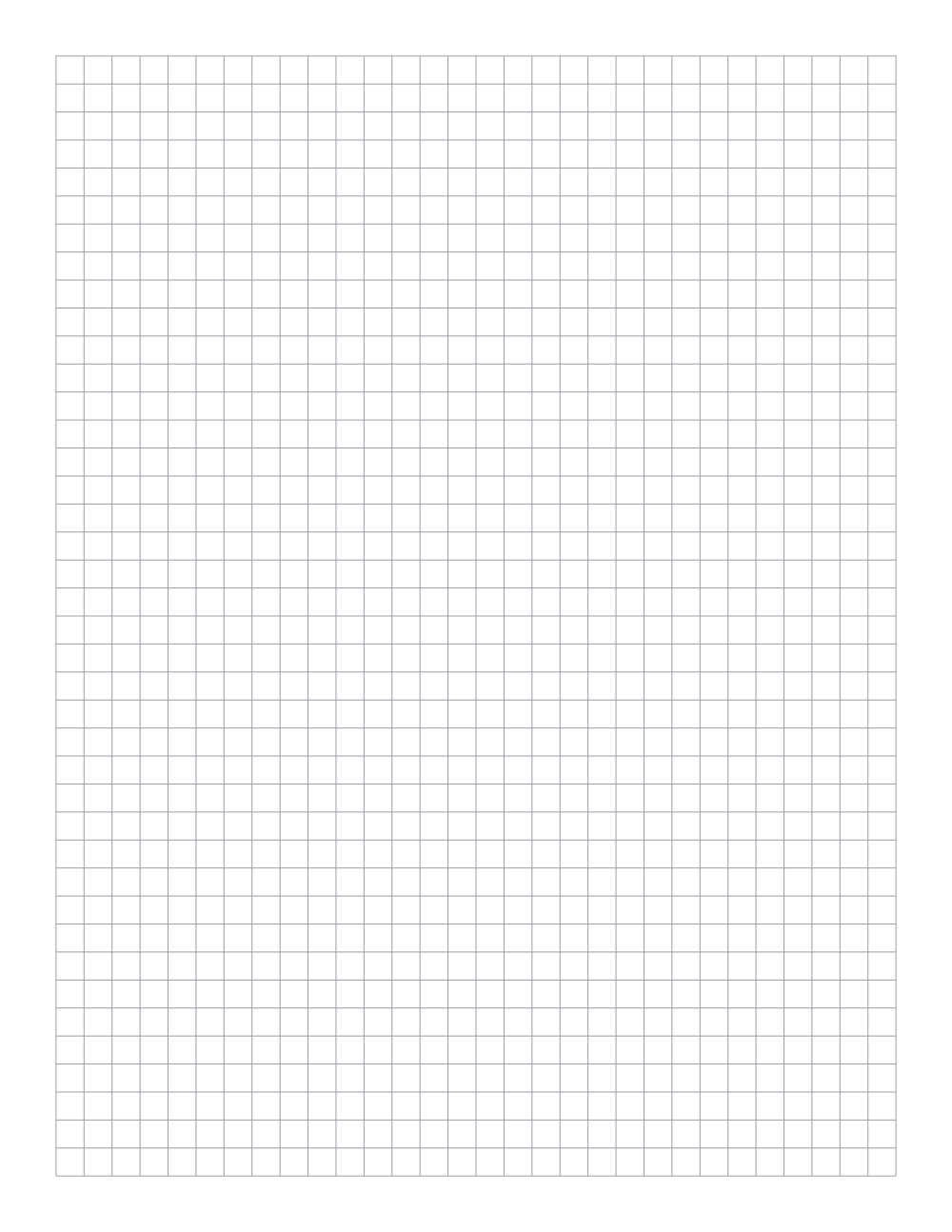
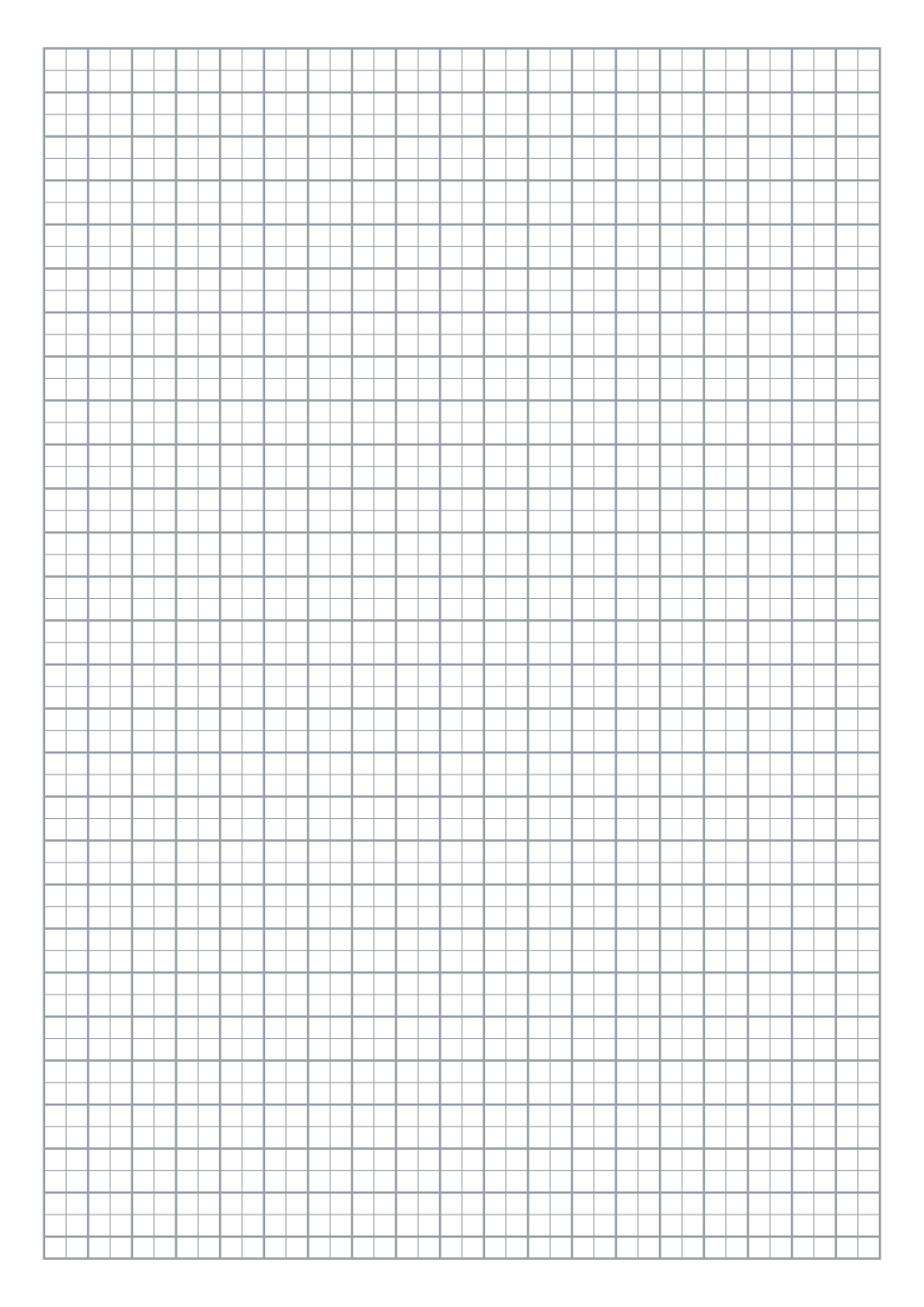
Example of graph paper
Graph paper is paper printed with evenly spaced lines that cross at right angles to form equal squares. The most common example in the US is 1/4 inch graph paper, with 4 squares per inch on 8.5 × 11 Letter paper; elsewhere it is 5 mm squares on A4. Read more in how to use graph paper.
Frequently asked questions
Can I use these graph paper images for free?
Yes. You can use them in lessons, worksheets, slides and personal or commercial designs. Attribution is appreciated but not required.
How do I get a graph paper image with a transparent background?
Click "Transparent PNG" under any image. The grid lines are kept and the white background is removed, so it works as clip art over any color.
Can I print these images as graph paper?
You can, but square sizes will not be exact. For accurate printing, download the PDF from the generator page linked under each image.